The questions we get asked the most before signing up. If yours isn't here, write us on WhatsApp.
What devices does NextGen Coach support?
+
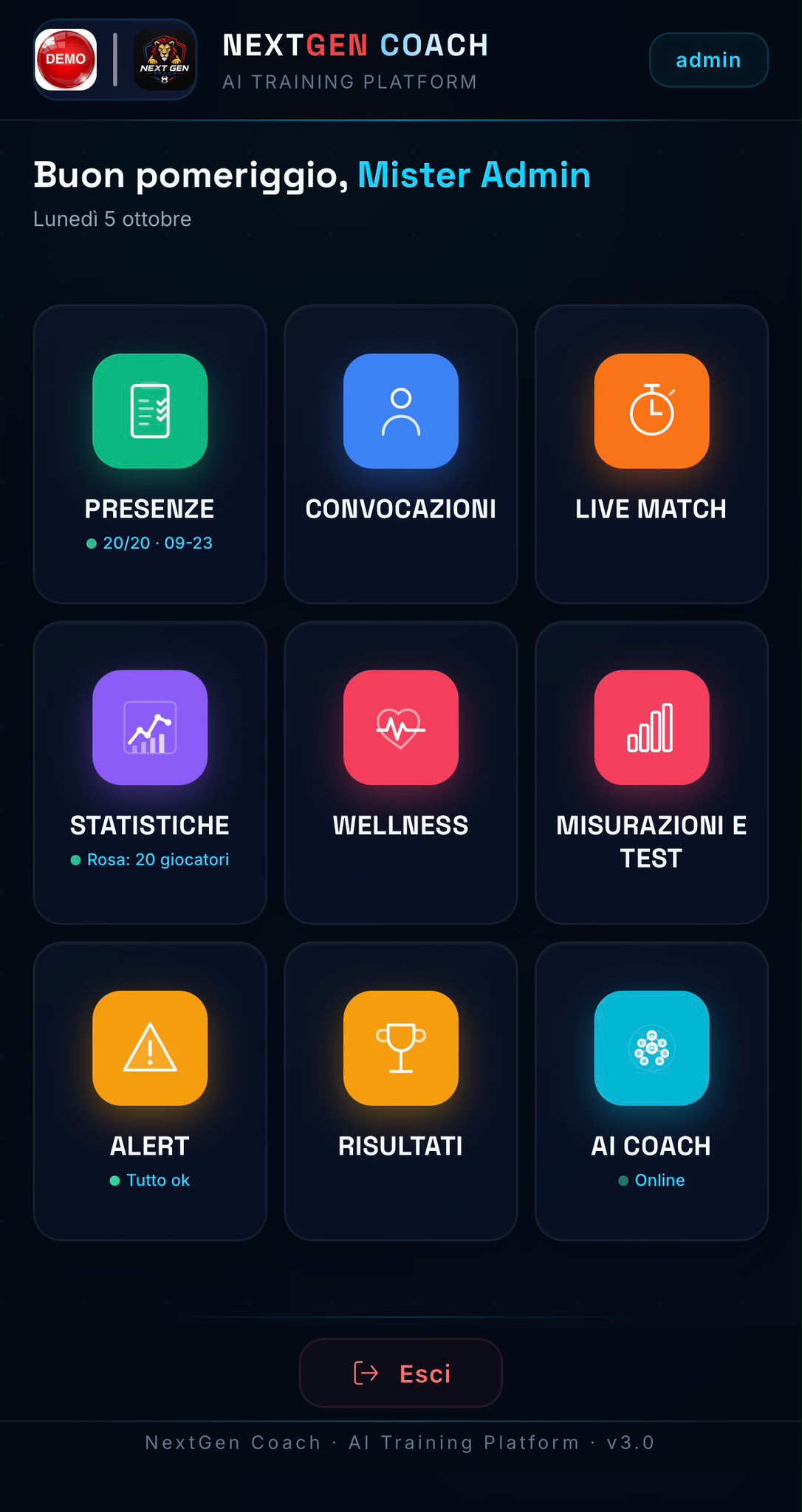
NextGen Coach is a web platform accessible from any modern browser (Chrome, Firefox, Safari, Edge). Works on PC, Mac, tablet and smartphone. The WebApp Player is available on iOS and Android.
Can I integrate NextGen Coach with other tools?
+
Yes, NextGen Coach supports integration via API for importing physical data and with match analysis systems for game statistics. The WebApp Player automatically syncs attendance and matches.
What type of reports can I export?
+
You can export to PDF: complete training sessions, player sheets with charts and statistics, team reports with AI analysis, anthropometric measurements and physical tests. All PDFs are ready for professional printing.
Which age categories is NextGen Coach suitable for?
+
NextGen Coach is designed for youth categories U12-U19 according to UEFA standards. It's ideal for football schools, youth academies and amateur clubs.
How long does it take to get started?
+
About 10-15 minutes the first time to enter the complete roster. After initial setup, updating attendance takes ~30 seconds with the WebApp Player, while generating a session takes about 30 seconds.
What technical skills are needed?
+
No particular technical skills. If you can use Telegram and browse the internet, you're ready. The interface is intuitive and Telegram support is always available for any questions.
Can I speak with a coach already using the platform?
+
Yes, we can connect you with coaches in your region already using NextGen Coach. Contact us on WhatsApp and we'll arrange a reference call.
How much does NextGen Coach cost?
+
Access is currently by invitation. Cost depends on number of teams and players. Contact us for a personalised quote.
How do I request a demo or platform access?
+
To request full access, contact us on WhatsApp and we'll check availability for your club.


 ATLETICO 2000 ROMA
 HAMPTON RANGERS
 CALCIO GALLIPOLI